








Generator
History
AI Floor Plan Generator
Change Tool
Model
Base
Switch
Rooms
BedRoom
-
2
+
BathRoom
-
1
+
Kitchen
open
closed
Gross Area
Unit metric
 imperial
metric imperialArea
< 50㎡
50-80㎡
80-100㎡
100-120㎡
120-150㎡
> 150㎡
Extras
walk-in closet
laundry room
storage room
utility room
home office
garage
pantry
combined living-dining
balcon

Design Your Dream Space with Our AI House Floor Plan Designer
Unleash your creativity with Ideal House's AI Floor Plan Generator. This intuitive house floor plan designer allows you to quickly create professional-grade 2D floor plans, perfect for residential design, real estate listings, or personal home layout planning. Generate custom floor plans in seconds, visualizing everything from room count to special features like a walk-in closet or home office. Get precise home architectural plans without complex software.
Generate My Floor Plan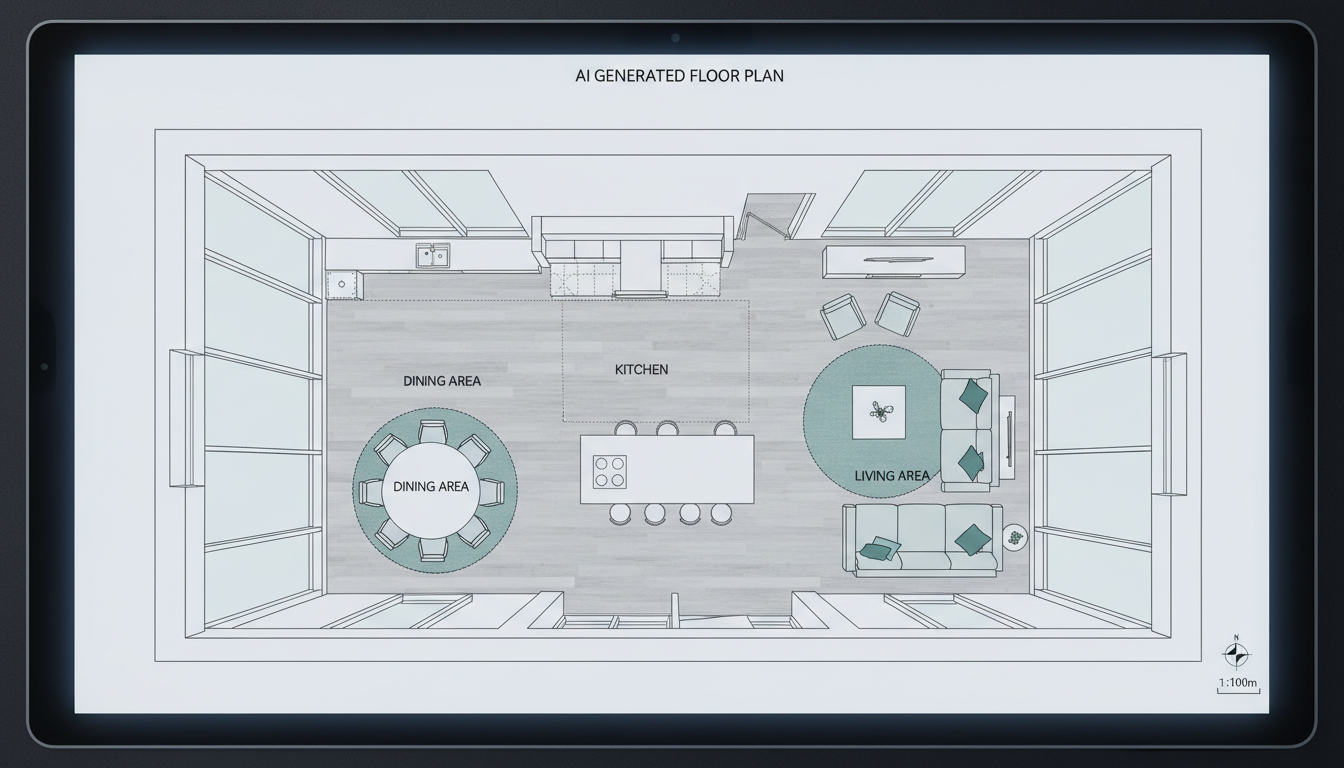


Why Choose Ideal House for Your Home Layout Design?
Instant 2D Floor Plans for Any Vision
Our AI house floor plan designer transforms your specifications into clear, presentation-ready 2D floor plans in mere moments. Whether you need a quick floor plan for a client presentation or want to experiment with different home layout designs, Ideal House delivers rapid results. Visualize bedrooms, bathrooms, and kitchen styles effortlessly.
Custom Floor Plans with Smart Features
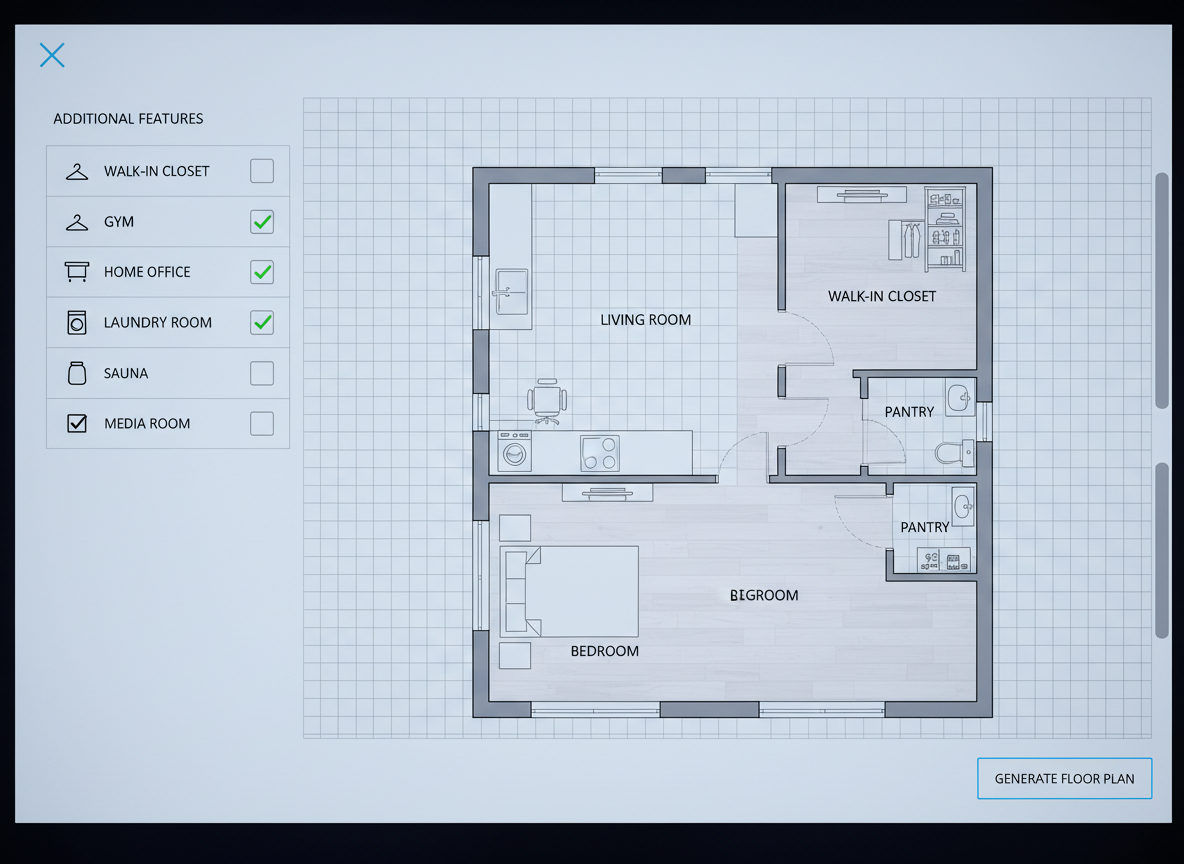
Go beyond basic layouts. Our floor plan creator lets you specify gross area ranges and add 'extras' like a walk-in closet, laundry room, home office, or combined living-dining space. This smart spatial planning ensures your custom floor plans reflect your exact needs, making it a powerful house blueprint maker for detailed projects.
Streamlined Process, Professional Results
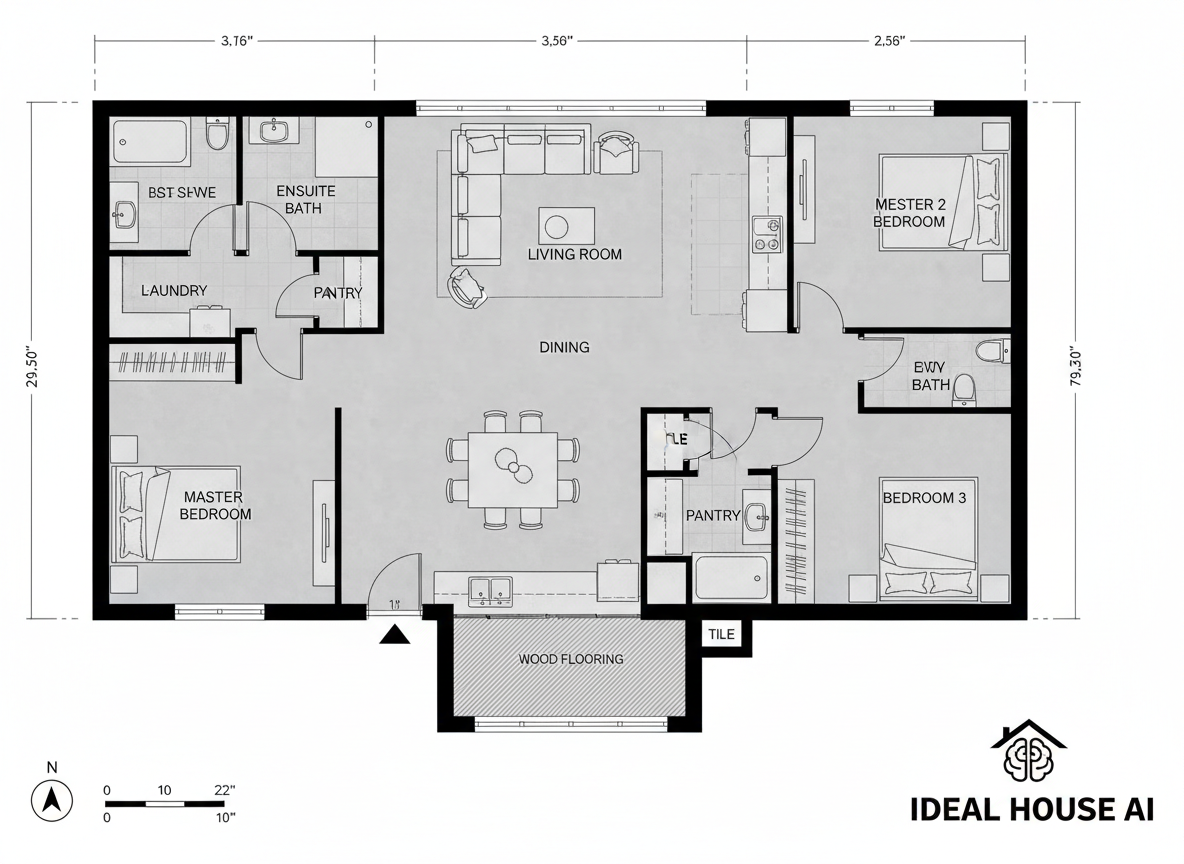
Forget tedious architectural drawing tools. Ideal House simplifies the process, allowing anyone to be a house floor plan designer. The AI handles the complexities, providing you with professional digital floor plans suitable for real estate, contractors, or interior designers. It's the ultimate online floor planner for efficiency.
Track, Compare, and Refine Your Designs
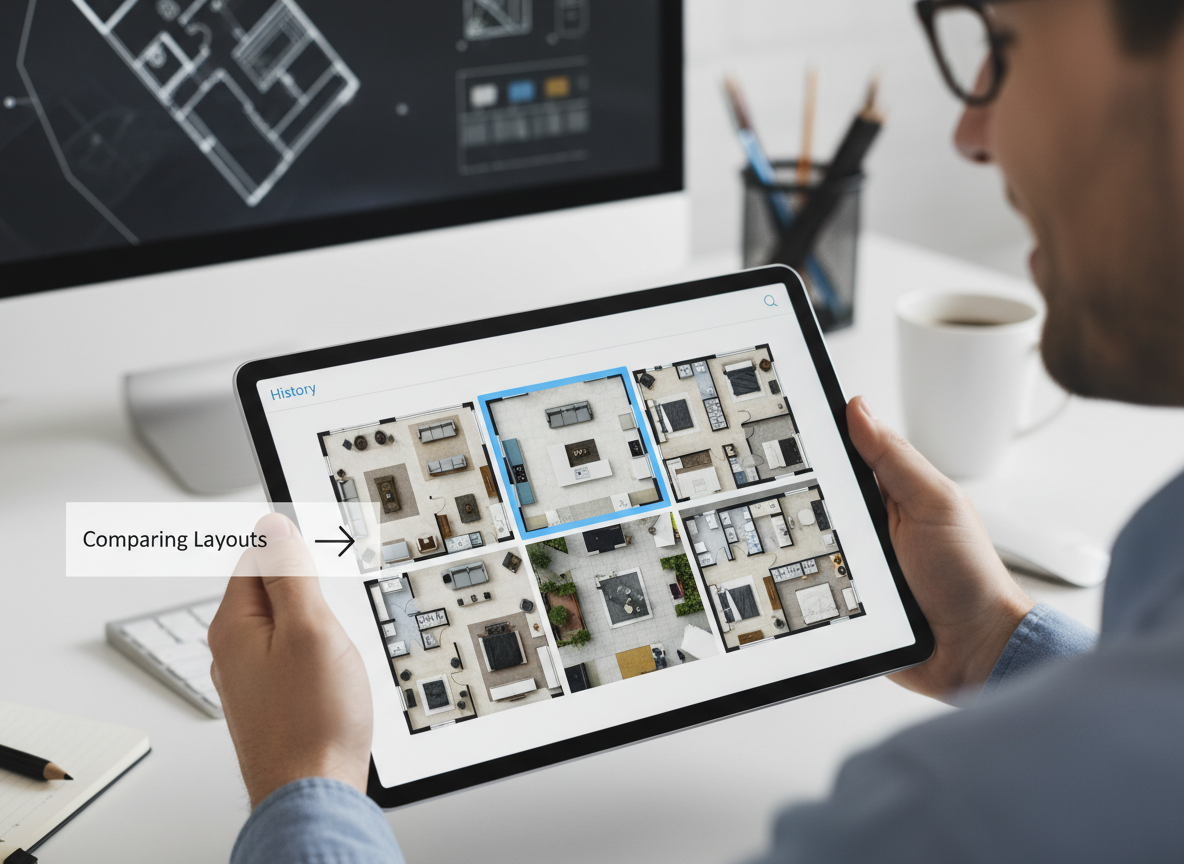
Every floor plan you generate is saved in your history, making it easy to compare different versions. Use filters and views to analyze variations in your home layout design and find the perfect fit. This invaluable feature helps you iterate quickly and finalize the best custom floor plans with confidence.

Who Benefits from Our AI Floor Plan Generator?

Homeowners & DIY Planners: Experiment with home layout design, visualize room planner options, and create custom floor plans for renovations.

Real Estate Professionals: Generate consistent 2D real estate floor plans for listings, helping buyers quickly grasp property layout and flow.

Interior Designers & Contractors: Produce quick, clear 2D floor plans from a brief, facilitate client conversations, and align project scope.

How to Use Your House Floor Plan Designer
1
Set Rooms: Choose the number of bedrooms (0–4) and bathrooms (1–3) to define your basic home architectural plans.
2
Choose Kitchen Style: Toggle between 'open' or 'closed' kitchen concepts to influence the interior layout and flow.
3
Pick Gross Area: Select a target size range to guide the AI in generating proportionate and realistic digital floor plans.
4
Add Extras: Multi-select features like a walk-in closet, laundry room, or home office to further customize your floor plan.
5
Generate & Review: Click 'Generate' to see your quick floor plan. Review results and tweak parameters to compare versions.
6
Download & Share: Export your chosen 2D floor plan as an image or PDF for easy sharing with clients, colleagues, or listings.
Frequently Asked Questions About Our Floor Plan Creator
How does the AI floor plan generator create layouts from my selections?
Our AI house floor plan designer interprets your program—including beds, baths, kitchen type, gross area, and extras—then applies smart adjacency and circulation rules to draft clear 2D floor plans. Each generation provides a unique concept you can refine.
What are the available ranges for rooms and features?
You can select 0–4 bedrooms, 1–3 bathrooms, and an open or closed kitchen. Gross Area allows you to choose a size band, and various extras like a walk-in closet or home office can be multi-selected for detailed custom floor plans.
How does 'Gross Area' impact the final digital floor plan?
The gross area band guides the overall scale of your home layout design, ensuring rooms and corridors are proportioned appropriately for the chosen footprint. Selecting the closest band yields the most believable and functional property layout.
What's the difference between an open and closed kitchen in the floor plan?
An open kitchen design typically favors a continuous living–dining sightline, promoting a smoother flow and more communal interior layout. A closed kitchen creates a more defined, separate cooking zone, offering clearer delineation within the house blueprint.
Can I compare multiple quick floor plan versions?
Absolutely! Every floor plan generated by our house floor plan designer is automatically saved in your 'Generation History.' You can use filters and different viewing options to easily review and compare side-by-side versions of your home architectural plans.
Enhance Your Design with Related Ideal House Tools
Ready to Transform Your Home Layout Design Ideas?
Experience the power of an AI house floor plan designer. Create, customize, and finalize your ideal home architectural plans today.
Generate My Floor Plan
💰 Earn 10% commission as a Ideal House Affiliate Partner.
Join us